The free guide library · November 2026
Claude & ChatGPT guides for your legal work.
Read the complete walkthroughs and quick references free online. Keep a PDF copy for your next assignment.
Free 13-page guide · November 12, 2026
Set up ChatGPT for your legal work.
Connect your tools. Practice a legal workflow. Keep instructions you can use again.
By Wesley Higbee
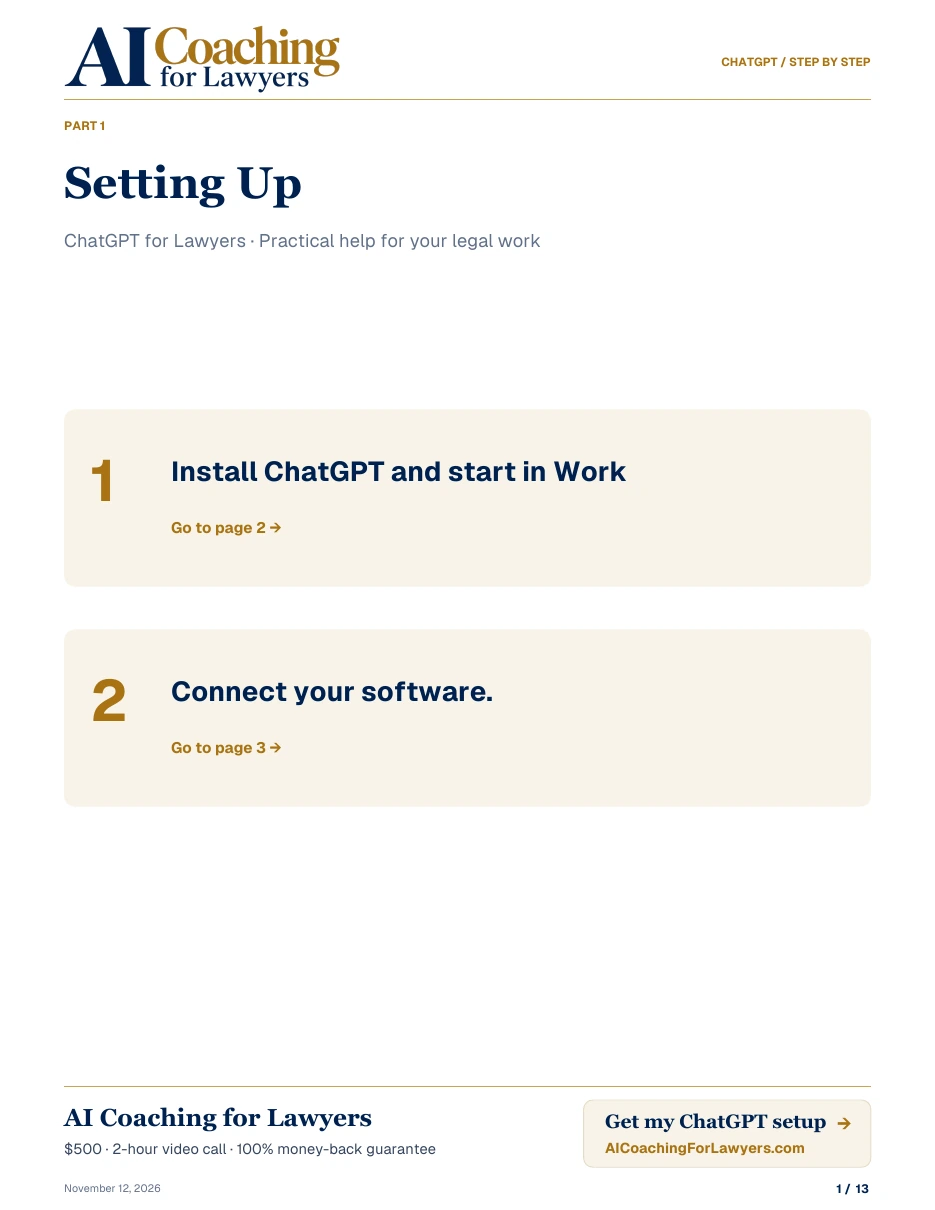 ChatGPT for Lawyers · Step by step
Keep these beside you
Quick references for your next assignment.
Choose a topic when you need a reminder. Each reference has a complete online article and a matching PDF.
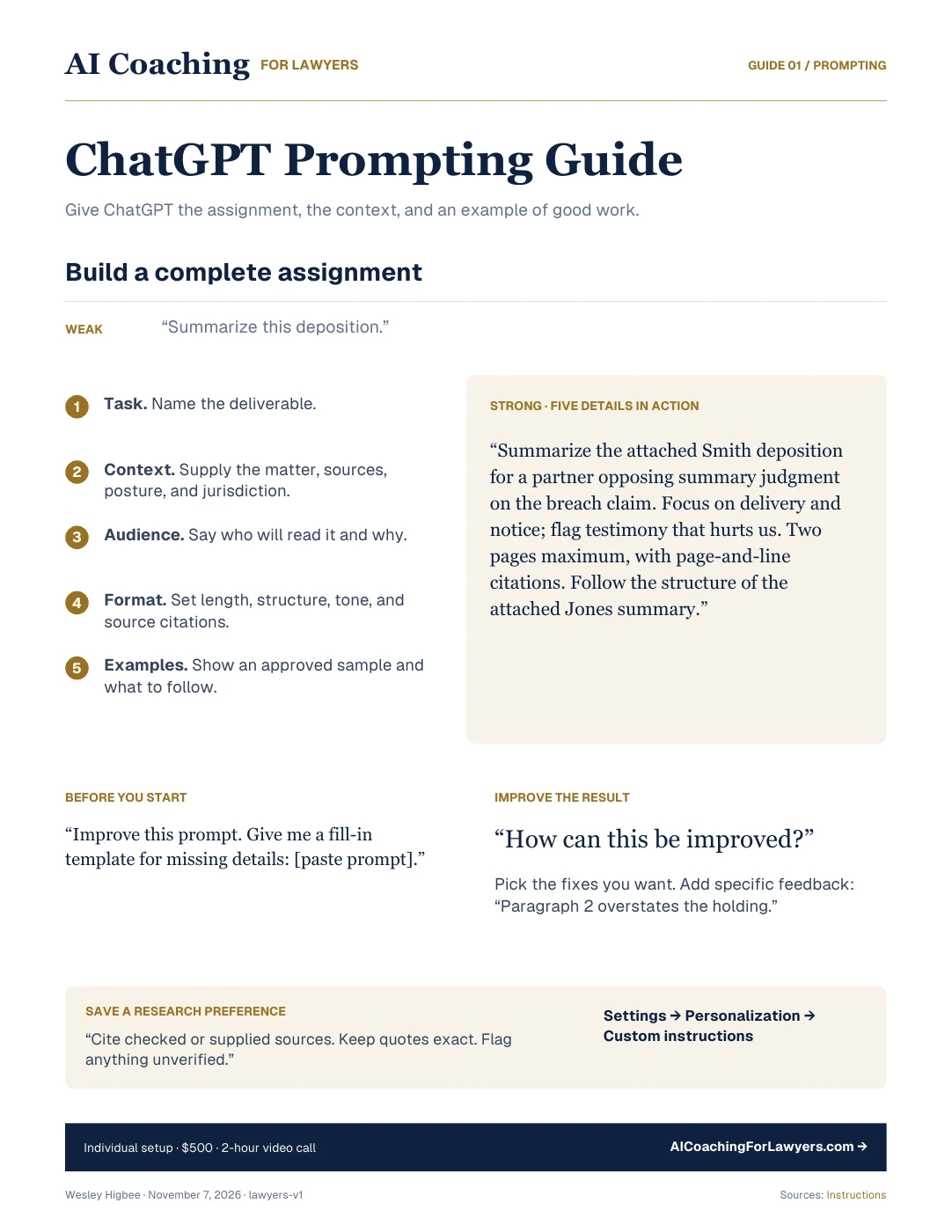
- ChatGPT Prompting Guide for Lawyers A five-part framework, a legal example, and practical drafting prompts.Read the guide →
- ChatGPT Plugins and Connections for Lawyers Use approved plugins, connect your tools, and reuse a legal workflow.Read the guide →
- ChatGPT Models and Reasoning Guide for Lawyers Model and effort recommendations, with choices for larger and smaller tasks.Read the guide →
- ChatGPT Advanced Guide for Lawyers Desktop files, Work, progress checks, Fast mode, and usage controls.Read the guide →
Read the complete guide online →
AI for lawyers · Start here
How should I start using AI in my practice?
Start with one email timeline. Find the source material, give a complete assignment, choose your settings, and check the result. Here’s how the guides fit together.
Find the relevant emails.
Use an approved email connection, or upload an exported thread. Narrow it to one matter and date range. For this example, we have two fictional emails about a delivery.
Connect Gmail or Outlook step by step →Give a complete assignment.
Build a timeline for [matter] from [email thread or connected mailbox], covering [date range]. Use only those emails. Give me a table of dates, events, and a link or source label for each entry. Separate planned dates from confirmed events. Flag anything the emails do not establish.
Give a complete assignment →Choose your settings.
Start with your usual model and effort setting for this short thread. Keep the assignment narrow while you check the result. When you move to a larger file, use the models guide to decide whether to adjust the settings.
Choose a model and effort level →Check the timeline against the emails.
Open each source. Check the date, who said it, and what the statement actually establishes. A planned delivery is not proof of delivery.
See the worked example below ↓
Fictional example · Not client material
Two emails. One unresolved question.
- Email A · October 6
- Supplier: “We expect delivery on October 9.”
- Email B · October 9
- Supplier: “The shipment is scheduled to leave this afternoon.”
| Date | What the email establishes | Source |
|---|---|---|
| Oct. 6 | The supplier expects delivery on October 9. | Email A |
| Oct. 9 | The supplier says dispatch is scheduled for that afternoon. | Email B |
Still unresolved: Neither email confirms when delivery actually occurred. Find a receipt or other source before adding that event to the timeline.
Find your starting point
What do you need help with?
- “My AI drafts are too generic.”
- Start with the prompting guide Give it the matter, the reader, the format, and an example of good work.
- “I want AI to find my emails and documents.”
- Start with the connectors guide Understand the connections, permissions, and source checks.
- “I don’t know which model or settings to use.”
- Start with the models guide Match the settings to the assignment and your usage.
- “I’m ready to work with folders and repeat useful tasks.”
- Use the advanced guide Work with matter files, schedule a workflow, and manage usage.
Keep a copy
Your tools.
Your guide collection.
Save them to your files, print them for your desk, or keep them handy during your next assignment.
- 01ChatGPT · Prompting Guide
- 02ChatGPT · Connections Guide
- 03ChatGPT · Models & Reasoning Guide
- 04ChatGPT · Advanced Guide
The complete guides are free to read online. Email is only needed for the PDF downloads and delivery.
Get the free ChatGPT PDFs.
Enter your email for immediate downloads and one email with your selected guides.
Work with Wesley
Put it to work in your practice.
The $500 setup includes configured tools, tested connections, a practiced workflow, and a configuration record. Two hours on a video call, with a 100% money-back guarantee. For a specific question or task, get focused coaching at $150/hour.